Emmet for HTML: A Beginner’s Guide to Writing Faster Markup
What Emmet Is
When you first start writing HTML, it feels slow.
You type an opening tag. Then a closing tag. Then another opening tag. Then another closing tag. You indent it. You repeat it. You fix mistakes.
Even a small structure can take several lines of typing.
Emmet is a shortcut language that helps you write HTML faster.
Instead of manually typing full HTML elements, you write short abbreviations. Your code editor expands those abbreviations into complete HTML structures instantly.
Think of Emmet as autocomplete for HTML — but much more powerful.
It is not a separate program. It is built into most modern code editors like VS Code. It simply understands a special shorthand and expands it into real HTML.
Why Emmet Is Useful for HTML Beginners
When you are learning HTML, your focus should be on structure and understanding — not on repetitive typing.
Emmet removes friction.
Instead of worrying about typing matching opening and closing tags correctly, you can focus on the layout you are building.
It also reinforces structure visually. When you type a short abbreviation and see a properly indented HTML structure appear, you begin to understand hierarchy more clearly.
Emmet is optional. You can write HTML without it. But once you get used to it, it feels like writing HTML at super speed.
How Emmet Works Inside Code Editors
Emmet works inside your code editor.
You type a short abbreviation. Then you press Tab or Enter. The editor expands it into full HTML.
For example, you type a short keyword for a paragraph and press Tab. Instantly, the editor generates the opening and closing paragraph tags with your cursor placed inside.
This is the basic workflow:
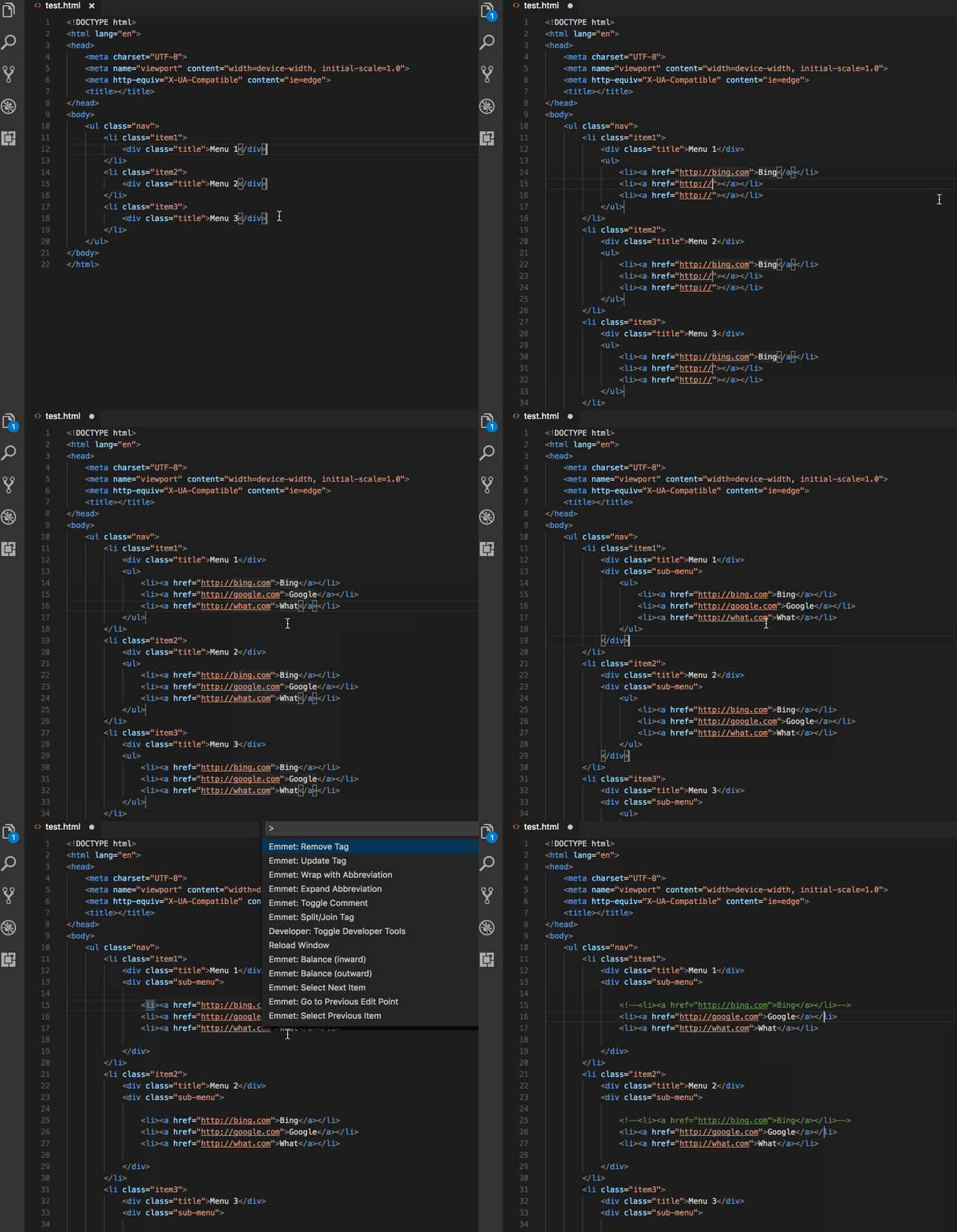
Abbreviation → Press Tab → Full HTML appears.
That is the entire idea.
Basic Emmet Syntax and Abbreviations
Emmet uses simple symbols to represent HTML structures.
If you type the name of an element and expand it, Emmet creates that element.
Typing the abbreviation for a paragraph expands into a paragraph element.
Typing the abbreviation for a division expands into a div element.
You do not need to remember complicated rules. Start with element names only.
Write the abbreviation. Press Tab. Watch it expand.
Encourage yourself to try each one in your editor as you read.
Creating HTML Elements Using Emmet
Let’s say you want to create a heading.
Instead of typing the full opening and closing heading tags, you type the heading abbreviation and expand it.
The editor generates the full heading element.
The same works for paragraphs, divs, spans, lists, and many other common tags.
This feels small at first, but when you are building full layouts, it saves significant time.
Adding Classes, IDs, and Attributes
Emmet also allows you to add classes and IDs directly inside the abbreviation.
To add a class, you use a dot.
To add an ID, you use a hash symbol.
If you want a div with a class called container, you write the div abbreviation followed by a dot and the class name. When expanded, it generates a div element with that class applied.
If you want a div with an ID called main, you write the div abbreviation followed by a hash and the ID name.
You can even combine them in a single line.
Instead of typing the full element and manually adding attributes, you describe the structure in shorthand, and Emmet builds it for you.
Creating Nested Elements
One of the most powerful features of Emmet is nesting.
HTML is hierarchical. Elements go inside other elements.
Emmet uses a simple symbol to represent nesting.
If you want a div containing a paragraph, you write the parent element, then use the nesting symbol, then write the child element.
When expanded, Emmet generates properly indented nested HTML.
Here is the idea visually:

You describe the structure in one short line. Emmet builds the tree.
This helps beginners understand hierarchy because the visual expansion mirrors the mental model of HTML.
Repeating Elements Using Multiplication
Another common situation in HTML is repetition.
Imagine you want five list items inside a list. Writing each one manually can feel repetitive.
Emmet allows multiplication.
You write the element abbreviation and add a multiplication symbol followed by a number.
When expanded, Emmet generates that element repeated multiple times.
For example, you can generate multiple list items inside a list instantly.
Here is the visual idea:
Instead of typing the same structure repeatedly, you describe how many you want.
Generating Full HTML Boilerplate with Emmet
When starting a new HTML file, you usually need a full boilerplate structure: doctype, html tag, head, body, meta tags.
Typing this from scratch every time is unnecessary.
Emmet provides a simple abbreviation that generates the entire HTML boilerplate instantly.
You type the shortcut. Press Tab. A complete HTML structure appears.
This is one of the most used Emmet features in daily development.
It saves time and reduces mistakes in setup.
Emmet Abbreviation to HTML Expansion Flow
To understand Emmet clearly, remember this simple pattern:
You describe the structure in shorthand.
The editor expands it into real HTML.
It is not magic. It is structured shorthand.